YouTube poster: prompt to create the visual

Prompt to copy
Poster for a YouTube channel: young man with headphones, deep red background, studio lighting and video symbol. Title "Watch, learn, enjoy!", varied content and a call to subscribe.
This poster template is designed for a channel banner or an announcement thumbnail for a new series. Copy the prompt above into your favorite image generator, then adapt it to your real activity.
Why this poster works
Deep red is the platform's color and catches the eye in a list of videos. The headphones place the content in listening and creation right away, and the studio lighting gives a professional look.
How to use this prompt
- Paste the prompt as is into your image generator to get a first version, then run it two or three more times to compare.
- Replace the slogan, the benefits and the call-to-action button with your own texts.
- Add your real information (name, contact, prices, dates) in an image editor: AI-generated text often contains mistakes.
- Export in the right format: square for a post, vertical for a story, horizontal for a banner.
3 variations to try
- Add the central object of your channel: a guitar, a camera, a computer or a ball.
- Make a video thumbnail: close-up face, three words at most, arrow pointing to the key element.
- Switch to a dark blue background for a calmer educational channel.
Our tip
Add the real topic of your channel to the prompt; an expressive face and a short title improve readability as a thumbnail.
Common mistakes to avoid
- Writing a title that is too long: as a thumbnail, only three or four words get through.
- Misleading with an image that has nothing to do with the video.
- Forgetting the contrast between text and background, especially on small screens.
Frequently asked questions
What size for a thumbnail?
1280 × 720 pixels, 16:9, under 2 MB.
And for a channel banner?
2560 × 1440 pixels, with the important content inside the central 1546 × 423 area.
Check before publishing
- The spelling of every text visible on the image.
- Contact details, prices and offers: they must be accurate.
- Your rights to any logos and brands you add to the poster.
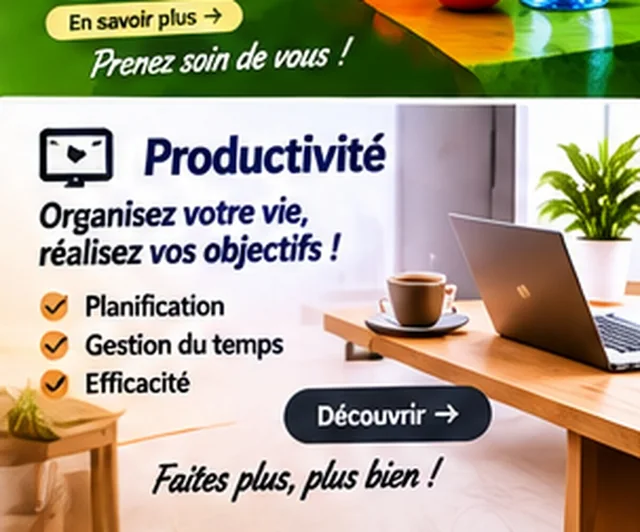
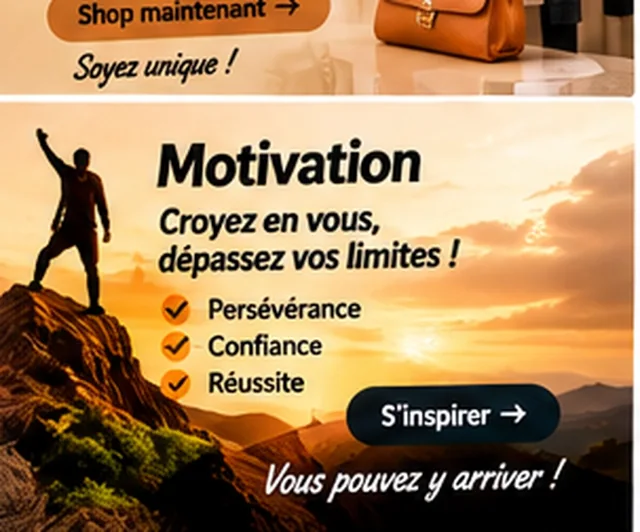
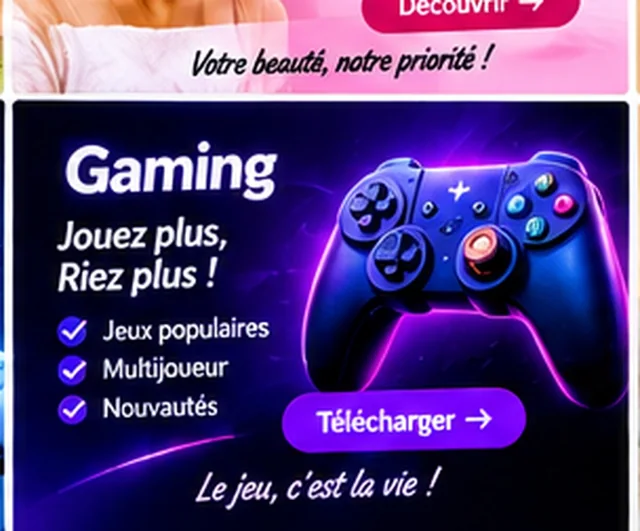
The visuals on this page are mockup examples: they are meant as inspiration and must be personalized.
Comments (0)
No comments yet. Be the first to react.