WhatsApp poster: prompt to create the visual

WhatsApp promotional poster: smiling woman using her smartphone, warm green atmosphere, chat bubbles and message icons. Clear composition, expressive and readable typography, slogan "Stay connected with your loved ones!", three short benefits and a call-to-action button.
This poster template is designed for a status, a group banner or a promotion of a messaging service. Copy the prompt above into your favorite image generator, then adapt it to your real activity.
Why this poster works
WhatsApp green is recognized in a second, even as a thumbnail. The smiling face builds trust, and the three checked boxes on the left read as a simple promise. Text sits on the left and the face on the right, so the eye follows a natural path from the slogan to the person.
How to use this prompt
- Paste the prompt as is into your image generator to get a first version, then run it two or three more times to compare.
- Replace the slogan, the benefits and the call-to-action button with your own texts.
- Add your real information (name, contact, prices, dates) in an image editor: AI-generated text often contains mistakes.
- Export in the right format: square for a post, vertical for a story, horizontal for a banner.
3 variations to try
- Replace the woman with a shopkeeper behind a counter and the slogan with "Order on WhatsApp, delivered to your door".
- Switch to a vertical 9:16 format for a status, with a single benefit in large letters.
- Keep the green background but show a family gathered around a phone for a warmer message.
Our tip
Keep the slogan to two lines at most and use a single call to action: on a WhatsApp status, people read in one second.
Common mistakes to avoid
- Adding more than three benefits: on a phone, the text becomes unreadable.
- Using a green that is too light and loses contrast with white text.
- Copying the WhatsApp logo without following its brand usage rules.
Frequently asked questions
Can I use the WhatsApp logo on my poster?
For a promotion of your own service, avoid suggesting an official partnership. Use a generic speech-bubble icon instead, or follow Meta's brand rules.
Which format for a status?
Vertical 9:16, i.e. 1080 × 1920 pixels. For a post in a group, the 1:1 square is the most practical.
Check before publishing
- The spelling of every text visible on the image.
- Contact details, prices and offers: they must be accurate.
- Your rights to any logos and brands you add to the poster.
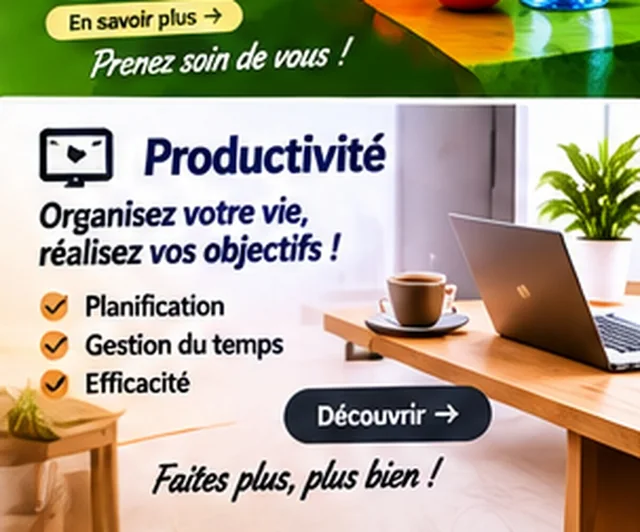
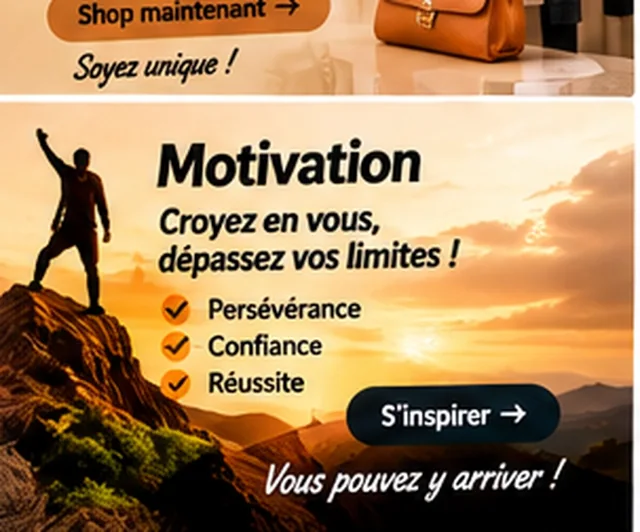
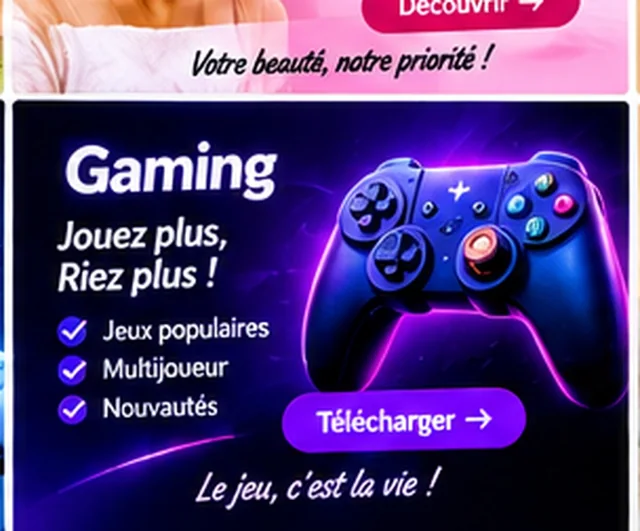
The visuals on this page are mockup examples: they are meant as inspiration and must be personalized.
Comments (0)
No comments yet. Be the first to react.