Online course poster: prompt to create the visual

Poster for a training platform: focused student in front of her computer, books and natural light, midnight blue and white palette. Title "Learn today, succeed tomorrow!", practical courses, certificates and flexible access, start button.
This poster template is designed for a course platform, a training center or a webinar. Copy the prompt above into your favorite image generator, then adapt it to your real activity.
Why this poster works
The midnight blue and white palette inspires seriousness and concentration. The student at work makes the scene realistic, and the benefits (practical courses, certificates, flexible access) answer the questions a future learner asks.
How to use this prompt
- Paste the prompt as is into your image generator to get a first version, then run it two or three more times to compare.
- Replace the slogan, the benefits and the call-to-action button with your own texts.
- Add your real information (name, contact, prices, dates) in an image editor: AI-generated text often contains mistakes.
- Export in the right format: square for a post, vertical for a story, horizontal for a banner.
3 variations to try
- Adapt the setting to your subject: sewing workshop, computer room, teaching kitchen.
- Target a specific audience: "Training for beginners", "Special for recent graduates".
- Create a webinar announcement version with the date and time in large type.
Our tip
State the duration, the level and the type of certificate actually issued, without any guaranteed-result promise.
Common mistakes to avoid
- Promising a guaranteed job after the course.
- Announcing a certificate that is not recognized.
- Forgetting to mention duration and price, which are the first questions.
Frequently asked questions
Can I write "certified"?
Only if an organization or your own structure really issues a certificate. Say which one.
Should I show faces?
A face is reassuring, but prefer a generated or royalty-free image over a photo of a real person without permission.
Check before publishing
- The spelling of every text visible on the image.
- Contact details, prices and offers: they must be accurate.
- Your rights to any logos and brands you add to the poster.
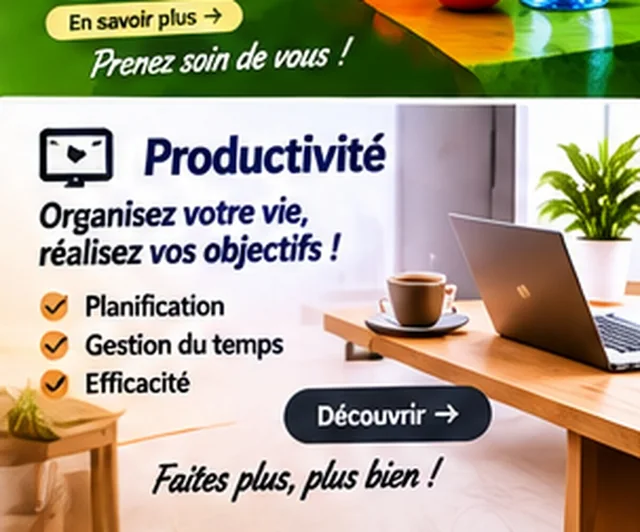
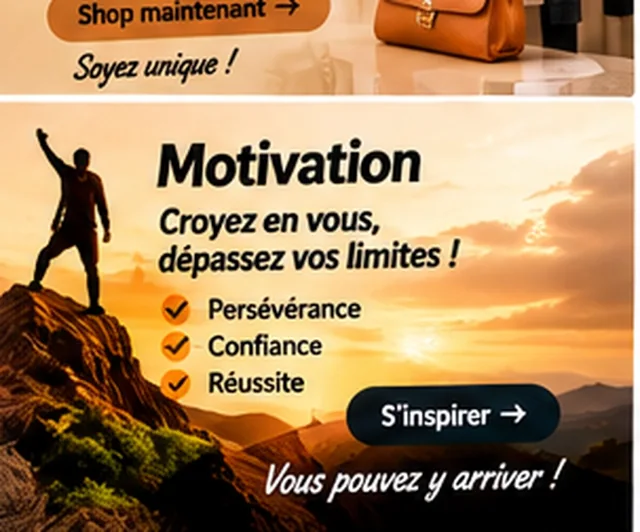
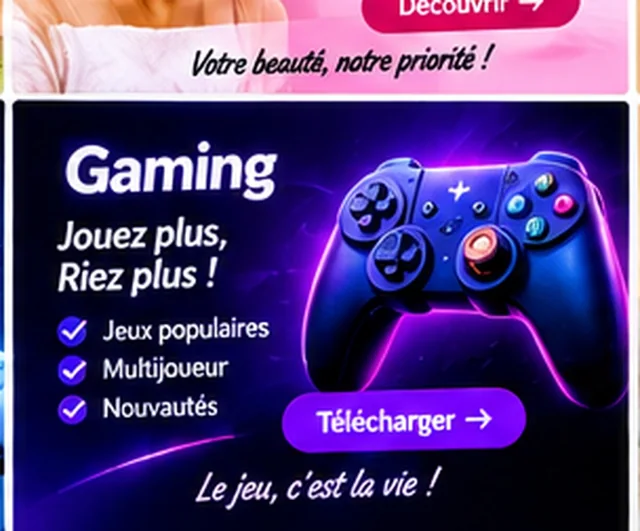
The visuals on this page are mockup examples: they are meant as inspiration and must be personalized.
Comments (0)
No comments yet. Be the first to react.