How to use this prompt on Google Gemini
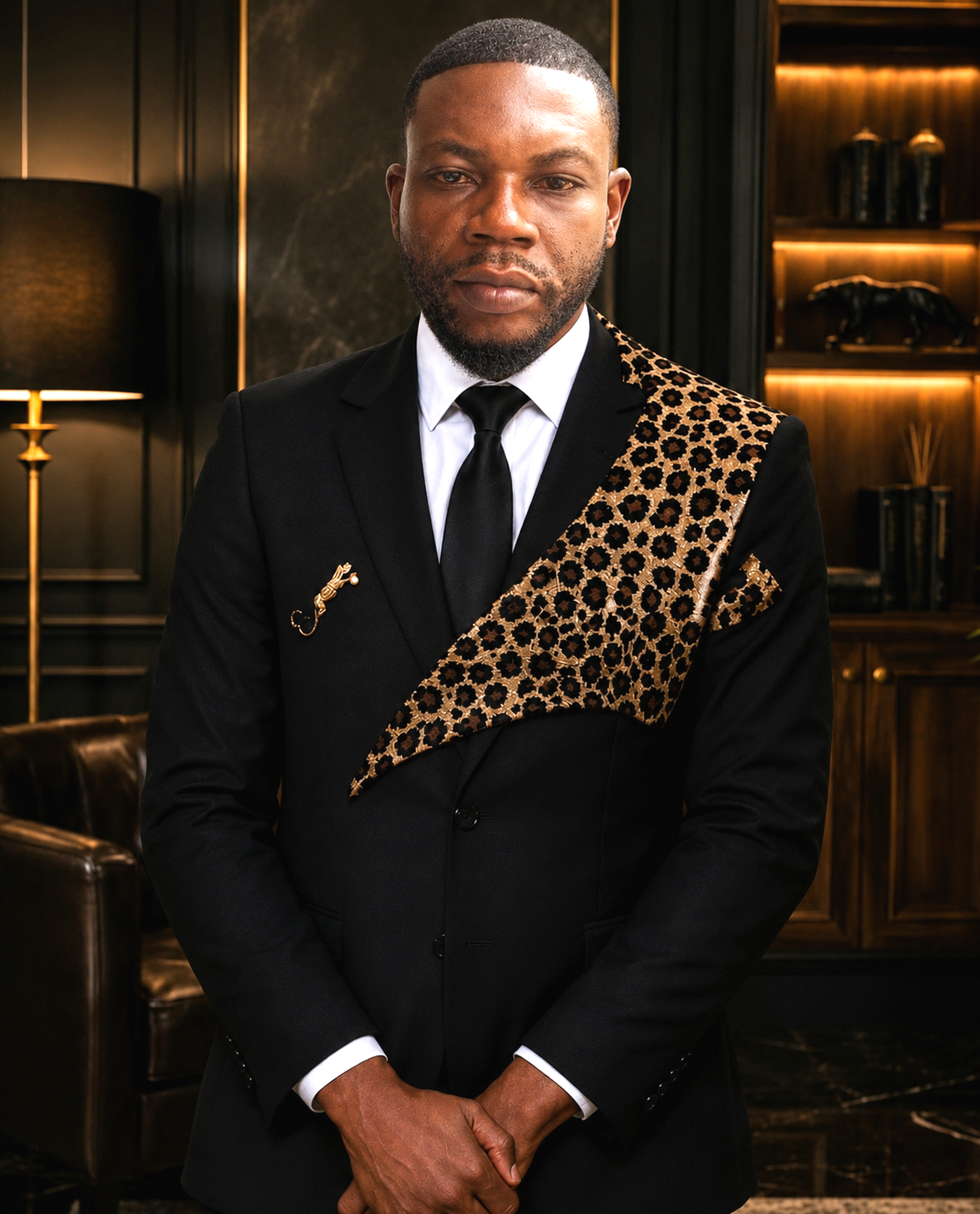
📝 Prompt: Ultra-realistic portrait of a distinguished African businessman
Ultra-realistic portrait of a distinguished African businessman standing confidently in a luxurious executive office. Wearing a bespoke black suit with an elegant leopard-print sash draped diagonally across the chest and shoulder, white dress shirt, black silk tie, gold lapel pin, and matching pocket square. Sophisticated and powerful presence, hands clasped in front, direct eye contact with the camera. Dark wood-paneled interior, marble accents, leather armchair, warm golden ambient lighting, luxury shelves, premium corporate atmosphere. Cinematic lighting, fashion editorial photography, luxury magazine cover, shallow depth of field, ultra-detailed skin texture, photorealistic, HDR, high contrast, rich black tones, professional color grading, sharp focus, 85mm lens, f/1.8, 8K masterpiece, high-end menswear campaign, elegance, wealth, prestige.
📖 Step-by-Step Instructions
💻 On Desktop (Computer)
- Click "Copy Prompt" – the button will show a loader and then confirm the copy.
- Click "Open Gemini (Web)" to launch Google Gemini in a new tab.
- Paste the prompt into the chat box (Ctrl+V / ⌘+V).
- If you want to transform an existing photo, upload it using the Gemini interface (paperclip or "+" icon).
- Press Enter and wait a few seconds for the AI to generate your stunning image.
📱 On Mobile (Phone/Tablet)
- Download the official Google Gemini app from the Google Play Store (Android) or the Apple App Store (iOS).
- Open the app and sign in with your Google account.
- Tap the chat input area, then long-press and select "Paste" to insert the copied prompt.
- If needed, attach a photo using the attachment button (paperclip or image icon).
- Tap the send button and watch the AI create your image.
💡 Tip: You can modify the prompt before sending to better suit your needs.